
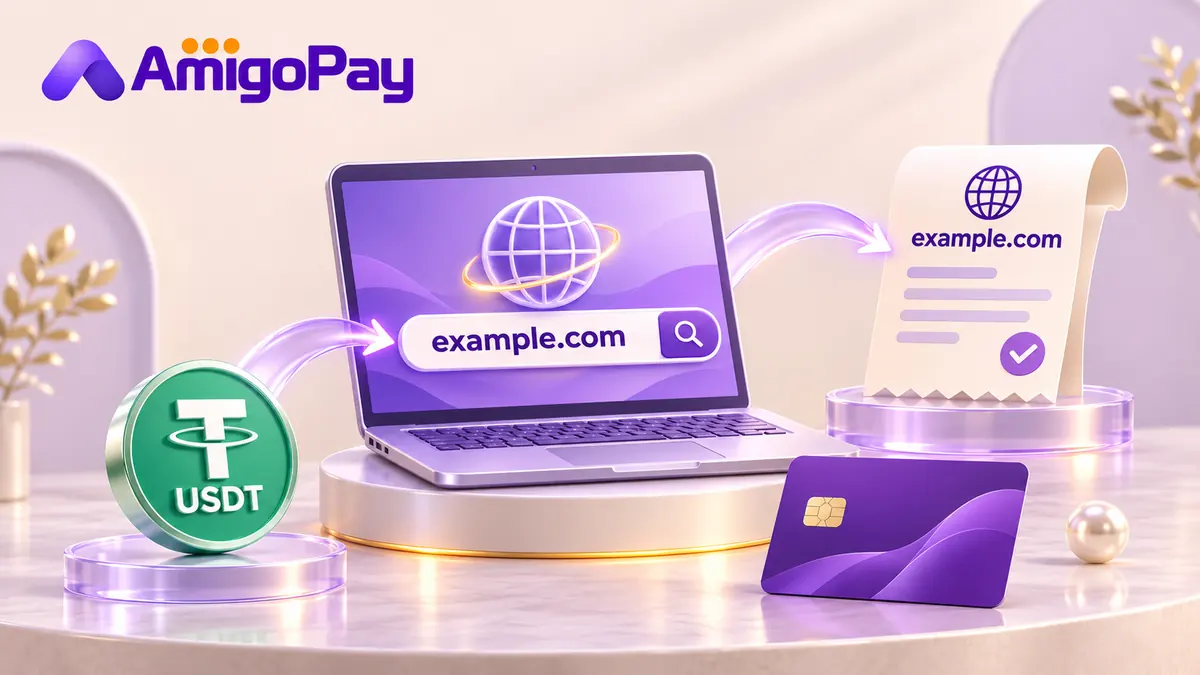
If you have USDT and your chosen registrar requires a bank card, ask AmigoPay to check a card for the planned payment. Include the domain, registration or renewal period, final currency and checkout total.
Direct crypto payment or account funds?
Read the registrar's own billing instructions. For example, Namecheap documents crypto funding through BitPay as a way to add account funds. Its instructions include supported-wallet and country checks and an expiring payment invoice.
An account deposit and a completed domain registration are separate stages. After funds arrive, check that the domain order has been placed and that the domain appears in your account.
Use the coin, network and amount actually offered on the payment invoice. A provider mentioning “crypto” does not establish that it accepts your USDT network.
Keep the registrar account under your control
Use the account that should manage the domain, contact details and renewal settings. Complete any contact or verification steps requested by the registrar.
Funding rules also matter. Namecheap's account funding guidance states restrictions on transferring balances between accounts and prefunding another person's account, and says BitPay and BTCPay deposits are non-refundable.
Do not assume a payment assistant can move account credit between users. If a payment arrangement involves someone else's card or account, check whether the registrar permits that exact arrangement.
Buying a domain with USDT when checkout requires a card
Send AmigoPay the registrar, domain or renewal reference, amount, currency and payment deadline. Include any card-type or billing-country requirements. The manager checks the planned card payment and confirms the balance and total cost in USDT.
A quote for one purchase does not establish that the card will remain available for next year's renewal. Record the renewal date and plan that payment separately.
Registration, renewal and hosting are different orders
Check whether your total includes only the domain or also hosting, email and other extras. For a renewal, use the amount shown for the existing domain rather than a new-customer promotional price.
If you are trying to pay hosting with crypto, apply the same checkout checks to that provider's bill. Domain and hosting suppliers can have different payment methods even when they serve the same website.
Confirm the result
Keep the registrar's receipt and check the domain's active status, expiry date and account access after payment. A sent crypto transaction or card authorisation alone does not confirm registration.
Where a direct crypto method already suits your wallet and country, you can review that option with the registrar. For a card-only checkout, see AmigoPay's bank-issued virtual card service.
Check my domain payment