
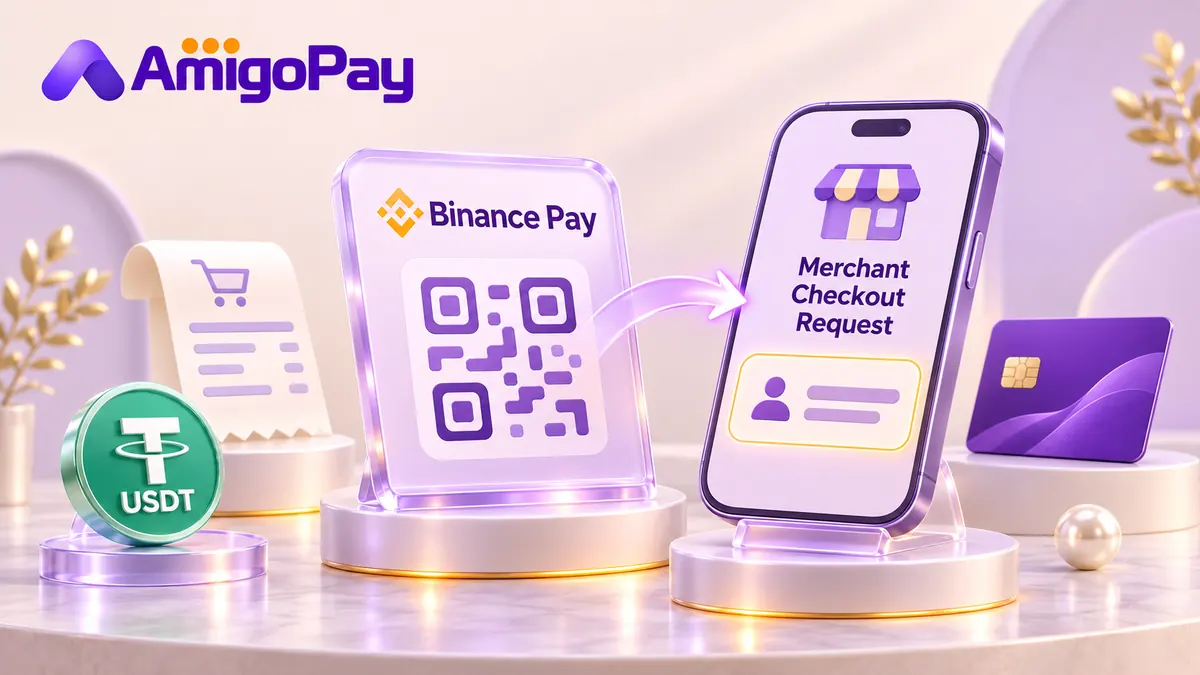
If you have a merchant request and need payment help, AmigoPay can check that particular order. Send the seller, amount, payment link or QR code, and the request's expiry time.
What is Binance Pay used for?
A merchant checkout pays for an order. A transfer to another person's Binance account sends funds to that recipient. The screens can look similar, so match the payment to the seller and order before proceeding.
Binance's overview of Binance Pay describes access for verified users in supported countries. It is separate from buying cryptocurrency or trading on the exchange. A website that accepts a bank card does not automatically offer Binance Pay.
Paying a merchant with a QR code or link
The official merchant payment guide explains the QR checkout. The essential checks are:
- Open the request supplied through the seller's official checkout.
- Match the merchant, amount and order reference to your purchase.
- Review the cryptocurrency and wallet selected for the payment.
- Complete any required confirmation inside Binance, then check the seller's order status.
A payment confirmation and a seller's fulfilled order are different results. Keep the order reference so the merchant can match the transaction. For a booking or subscription, also check that the booking or paid period has actually been activated.
What about a Binance Pay ID?
An identifier may be used to find a recipient. It does not describe what you are buying or prove that the recipient is your merchant. If a seller gives you an ID instead of a checkout link, ask how the payment will be matched to your order and what confirmation they will provide.
Do not substitute a blockchain wallet address for a Binance Pay request. Follow the method shown for that particular payment.
How AmigoPay checks a payment request
Share the merchant's name, order number, amount, asset and payment deadline. A screenshot helps when the request is visible only inside your account; hide login and authorisation details.
The manager checks whether we can complete the payment and confirms the amount you pay AmigoPay, the instructions and the expected result. If the request expires or the seller changes the total, send the updated request before paying.
For a seller that only takes cards, see online payment help with USDT. If you need to enter a card yourself, ask about a bank-issued virtual card paid for with USDT.
Check a Binance Pay request