
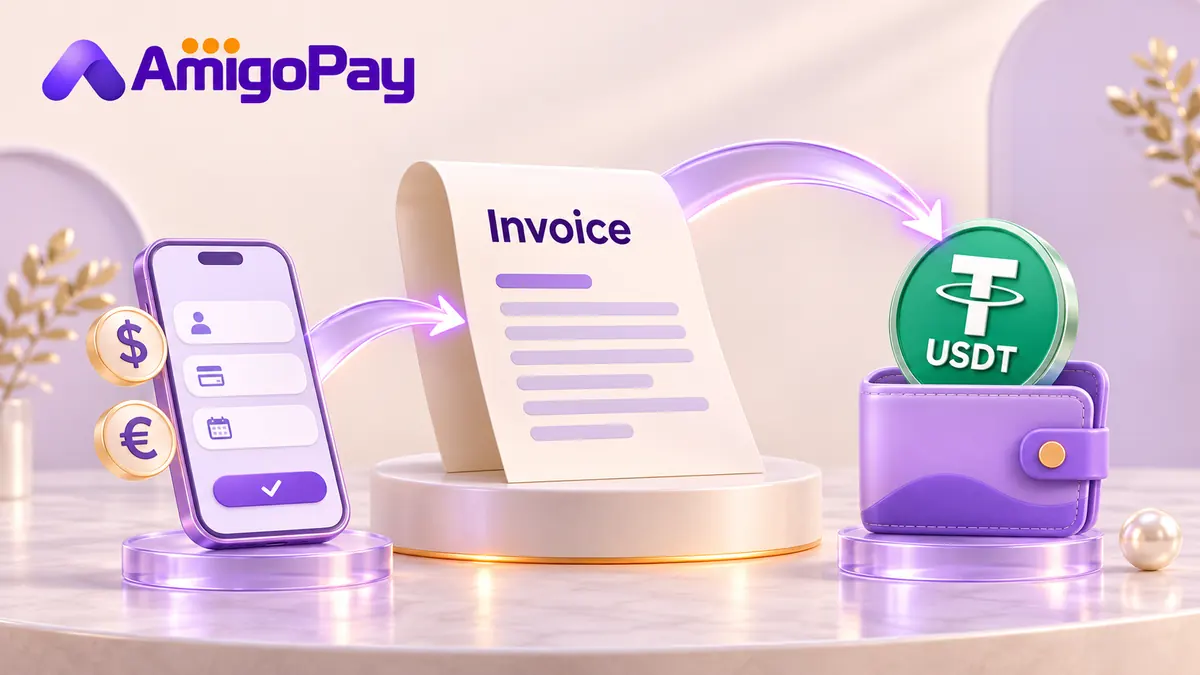
AmigoPay checks supported client payments with an agreed USDT payout. Share the payer's country, amount, currency and preferred payment method before giving them any payment instructions.
When the client already has USDT
Agree on the asset, network, receiving details and the amount that should arrive. Tether lists USD₮ across several blockchain protocols, so the sender and receiving platform need to support the same route.
Use the receiving app's current deposit instructions. Check any minimum, network or reference requirements shown there, and agree who covers the sender's withdrawal fee.
After the client sends the payment, check the actual credit in your receiving account and keep the transaction reference with the invoice.
When the client wants to pay in USD or EUR
A request to accept payment in USDT can really mean: “My client pays conventional money, but I want USDT.” Establish the payer's method and the payout route before sending an invoice with payment details.
For a supported AmigoPay request, the manager confirms how the client pays, the fees, the net USDT amount, the payout network and expected timing. The client then uses the instructions agreed for that payment.
The client payment and the USDT payout are separate stages. A client's transfer screenshot helps identify a payment; the manager still checks that the funds have arrived and can be matched to your request.
What should the quote state?
| Detail | What to agree |
|---|---|
| Client's payment | Amount, currency, method and payment reference |
| Your payout | Net USDT amount, network and receiving details |
| Costs | Which fees are included and any sender-side charges |
| Timing | Payment deadline and expected payout timing |
| Changes | What to do if the payer, amount or invoice changes |
If your invoice promises a specific net result, share that requirement when requesting the quote. Do not calculate the payout from a headline currency rate alone.
First payment checklist
Send the client's country and whether the payer is a person or a business. Include the invoice reference, amount, currency, reason for payment and preferred method. Tell the manager which network your receiving account supports.
Review the quote before sharing instructions with the client. If the client changes the payer or amount, get the updated payment checked first. Ask for fresh confirmation before reusing instructions for a later invoice.
For the service request, see receiving client payments with a USDT payout. If you instead need to pay a contractor's invoice, use the invoice payment page.
Check my client payment